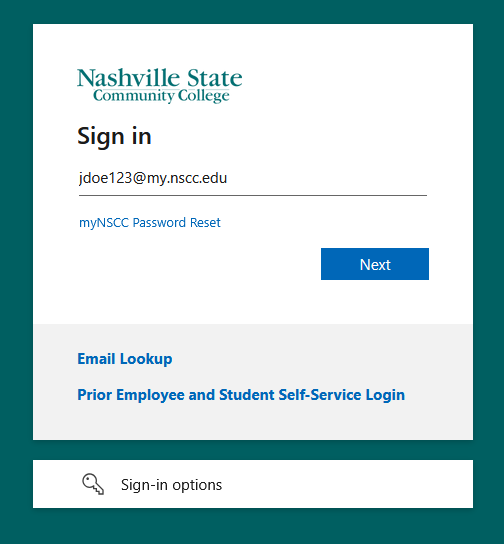
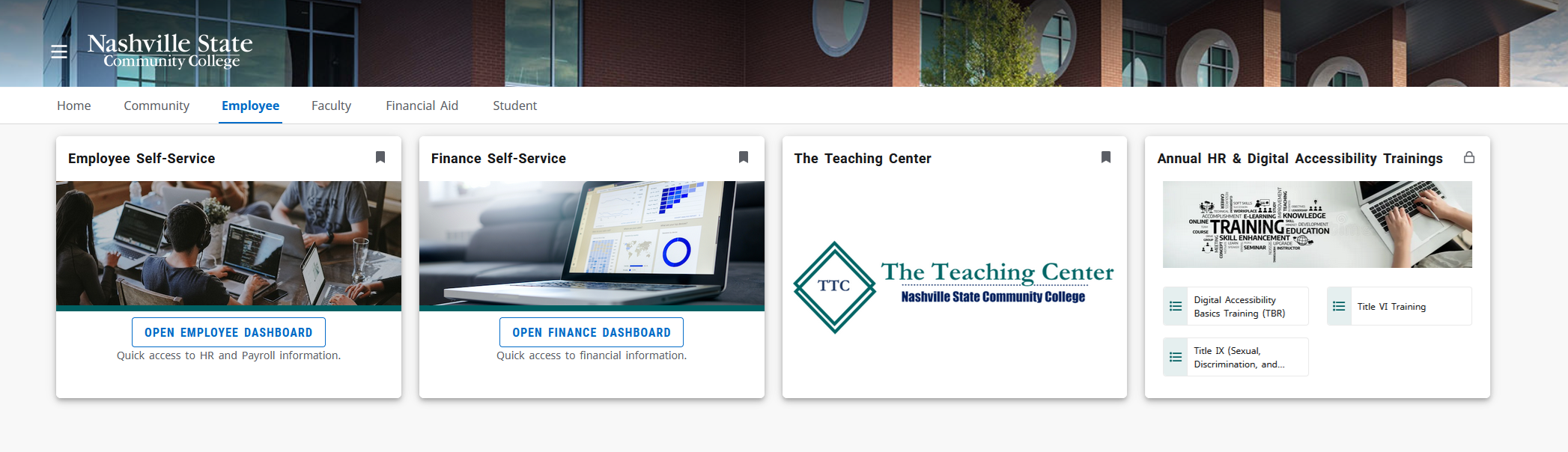
New Employee Skip to main content How Can We Help? Search First Steps for New Employees Your login for all NSCC systems is your employee email address which is usually denoted as [FirstName].[LastName]@nscc.eduWhen your account is created you will need to set a password for the first time.1. Navigate to myNSCC.2. Click “myNSCC Password Reset“3. Follow the prompts to proceed with the password reset. 4. Return to myNSCC.5. Login with your Email address and newly created password. 6. Your computer, email, and Wi-Fi username is your employee email address. Contact the Service Desk if you have any questions or need assistance
First Steps for New Employees Your login for all NSCC systems is your employee email address which is usually denoted as [FirstName].[LastName]@nscc.eduWhen your account is created you will need to set a password for the first time.1. Navigate to myNSCC.2. Click “myNSCC Password Reset“3. Follow the prompts to proceed with the password reset. 4. Return to myNSCC.5. Login with your Email address and newly created password. 6. Your computer, email, and Wi-Fi username is your employee email address. Contact the Service Desk if you have any questions or need assistance