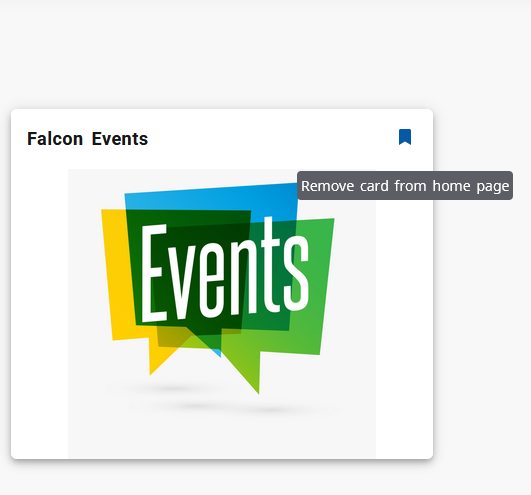
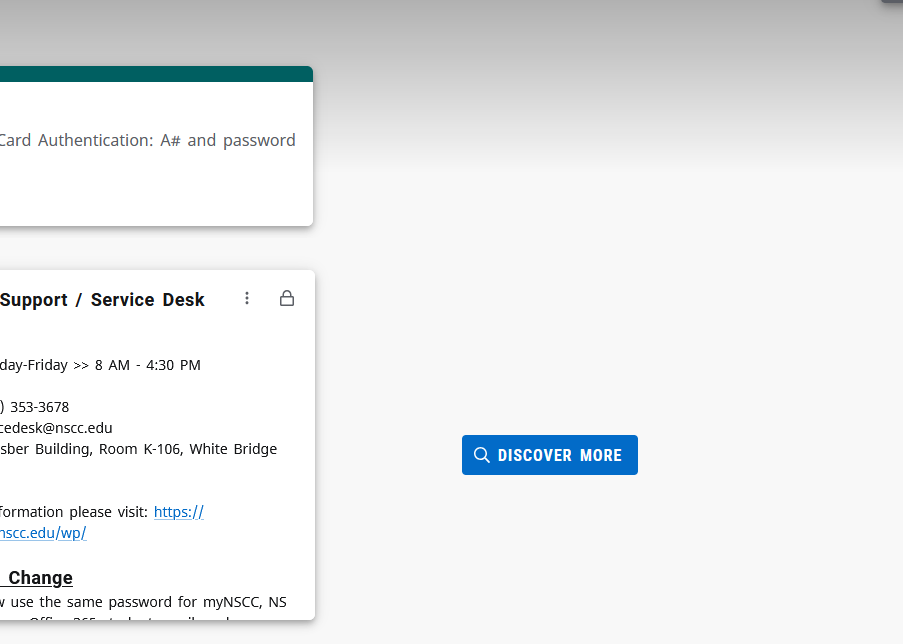
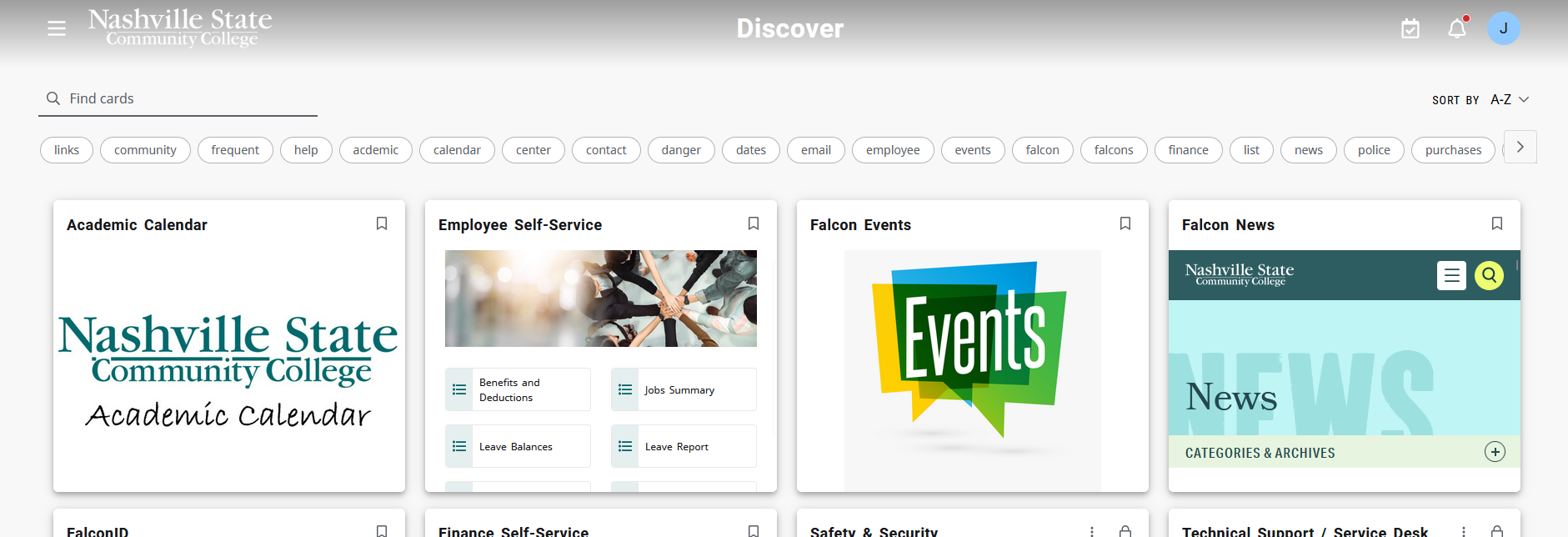
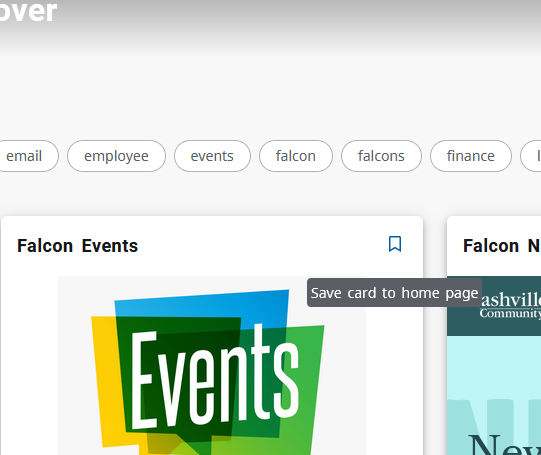
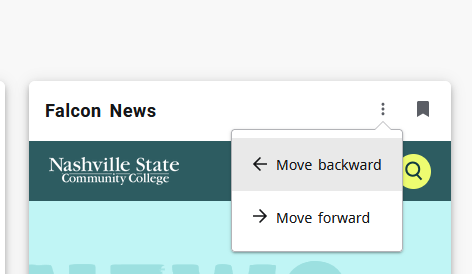
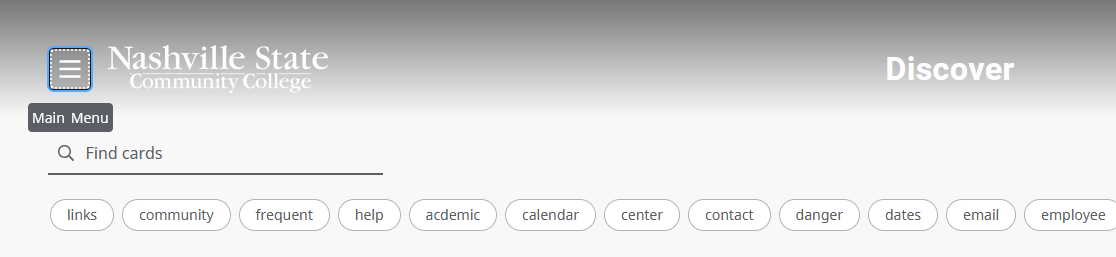
Customize MyNSCC Dashboard Skip to main content How Can We Help? Search Customize Your MyNSCC Dashboard 1. Remove any cards you do not want displayed on your dashboard by clicking the bookmark icon in the top right corner. 2. Use the blue “Discover More” button to see a list of “Cards” that can be selected for your home page. 3. When you have found a card you would like to select use the bookmark icon to add it to your homepage.You can change the order of the cards by using the arrow navigation found under the three dots on the card. To return to the main menu, select the block with the three lines at the top left of the discovery page. Click here for contact information and office hours for the Service Desk
Customize Your MyNSCC Dashboard 1. Remove any cards you do not want displayed on your dashboard by clicking the bookmark icon in the top right corner. 2. Use the blue “Discover More” button to see a list of “Cards” that can be selected for your home page. 3. When you have found a card you would like to select use the bookmark icon to add it to your homepage.You can change the order of the cards by using the arrow navigation found under the three dots on the card. To return to the main menu, select the block with the three lines at the top left of the discovery page. Click here for contact information and office hours for the Service Desk